ESV Bible
- 4.7
- Rating
- 1.00M
- Installs
- Free
- Price

 Analysis by App-foxy
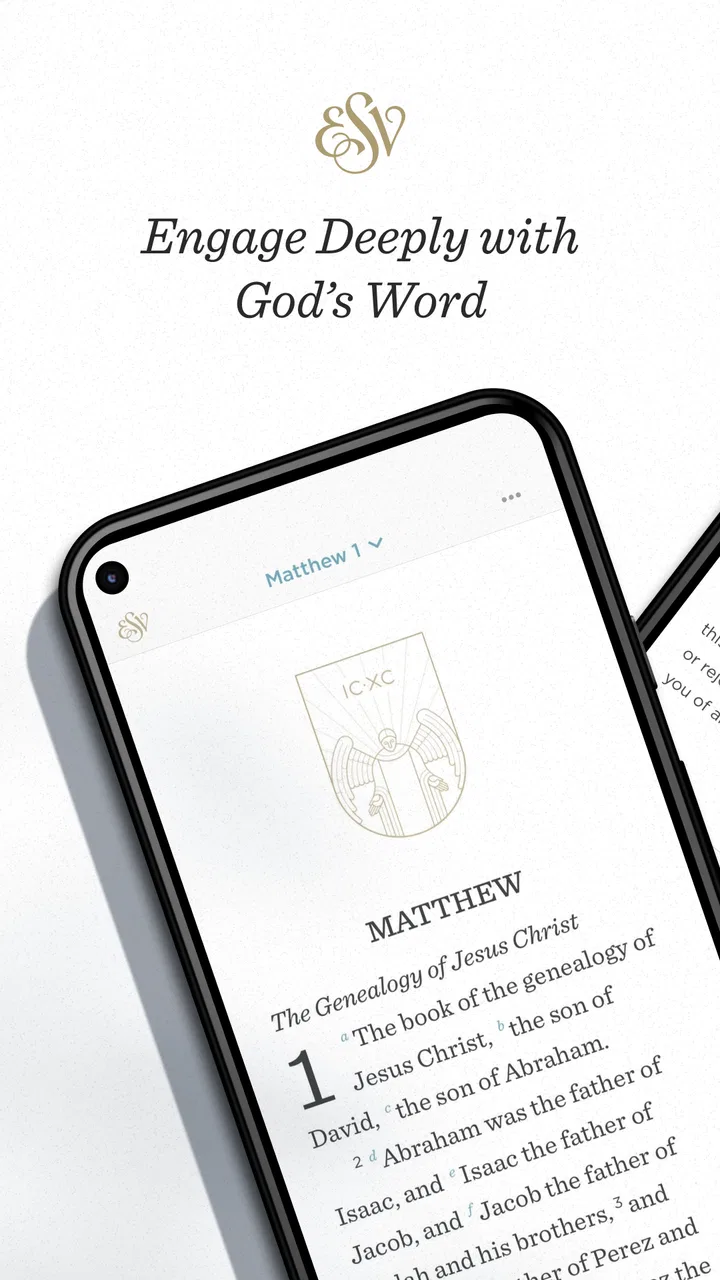
I spent time with ESV Bible as a daily reading and reference app, and my strongest impression is that it works best when I treat it as a flexible study companion rather than simply a digital replacement for a printed Bible. It is published by Crossway, sits in the Books & Reference category, and is free to start. The app brings together Scripture reading, study tools, reading plans, and streaming audio in one place, which makes it useful in situations where carrying a physical book or switching between several apps would be inconvenient.
The important practical question is not only what the app contains, but how its experience changes with your connection. Some parts feel naturally suited to a phone with reliable internet, while other moments depend more on how you prepare before leaving home. I found that distinction matters when reading during a commute, listening while doing chores, or trying to look up a passage in a place with weak reception.
How ESV Bible fits into everyday reading and study
ESV Bible is aimed at people who want the English Standard Version close at hand, with more structure than a basic browser search. Its reading plans can give shape to a routine, while audio and study features make the same text usable in different ways. I could approach it as a quiet reading app in the morning, a listening tool during an ordinary task, or a reference point when a verse came up in conversation.
You May Also Like

 Blood Strike: 2.5 Anniversary
Blood Strike’s Loadouts Turn Every Drop Into a Tactical Gamble
A close look at Blood Strike’s custom loadouts: how fast access to signature weapons reshapes its battle royale rhythm, rewards preparation, and narrows the gap between fights.

 Pandora - Music & Podcasts
Pandora’s Music Is Easy to Start, but Harder to Recover
Pandora’s strength is its low-effort path from a seed to a station. Its weak spot is how much confidence it asks you to place in connection, setup, and quiet recovery.

 8 Ball Pool
 Is Built on Rivalries, Rematches, and Routine
A close look at the rivalries, rematches, shared routines, and unanswered safety questions that turn a quick pool match into a persistent mobile community.

 Samsung Music
’s Quiet Strength Is Playing What You Already Own
Its reach comes less from spectacle than from dependable access to a personal library. That simplicity is both the app’s strongest retention engine and its ceiling.

 AccuWeather: Weather Radar
AccuWeather Review: A Quick, Clear Forecast for Everyday Decisions
For everyday plans, the best forecast is the one you can understand quickly. AccuWeather makes rain timing, radar, and local conditions easy to act on, with a few trade-offs.

 Hill Climb Racing
Why Hill Climb Racing Still Turns Crashes Into One More Run
A tiny car, a bumpy hill and one more upgrade: Hill Climb Racing keeps resurfacing because its simple chaos makes every near-miss feel personal.
More From Our News Desk



That flexibility is its main advantage over opening a general search engine. A web search may get me to a passage quickly, but it tends to surround the text with unrelated results, changing layouts, and distractions. ESV Bible feels more focused because the purpose is clear from the moment it opens. Compared with a generic Bible app, its appeal is also more specific: readers who prefer the ESV translation do not have to filter through a large collection of versions before beginning.
I would not describe it as a complete replacement for every kind of Bible study. Someone who needs extensive original-language tools, a large library of academic commentaries, or highly specialized cross-referencing may prefer a dedicated study platform. ESV Bible is more approachable for regular reading and accessible study than for building a full research workstation on a small screen.
The app has been available since December 24, 2010, and its current version is 5.2.9. That long presence helps explain why it feels like an established reading product rather than a temporary experiment. It is rated for Everyone, requires Android 8.0 or later, and has passed one million installs. Its average rating is 4.7 from around nineteen thousand ratings, a useful sign that the basic reading experience works well for a broad audience, even though individual preferences about translation and study depth will still vary.
What the reading plans add to the experience
Reading plans are more useful when I use them as a gentle prompt instead of a strict test. On busy days, a plan can tell me where to continue without spending time deciding what to read. That small reduction in friction is easy to underestimate. It turns the app from a shelf of possibilities into a more directed routine.
There is also a trade-off. A plan can encourage consistency, but it may not match what I need emotionally or practically on a particular day. If I want to study one short passage carefully, following a schedule can feel like another obligation. My preferred approach is to use the plan to maintain direction, then pause and read around a passage when something deserves more attention.
A useful workflow is to begin with the plan while connected, let the app guide the session, and then switch to a focused reading period rather than constantly jumping between tools. This keeps the phone from becoming a sequence of interruptions. I also found that audio works better when I choose the passage before starting a task, rather than trying to navigate while walking or cooking.
When connectivity becomes part of the feature set
The app’s streaming audio is the clearest example of a network-shaped experience. Streaming is convenient because I can start listening without managing a separate audio library, but it naturally depends on a stable connection at the moment I use it. In a strong signal area, that feels effortless. In a lift, underground station, rural road, or crowded venue, the experience can be less predictable.
This changes how I plan mobile use. If I know I will be away from dependable reception, I do not treat streaming audio as something I can automatically rely on. I begin the session while connected and avoid assuming that a passage will continue smoothly after the network changes. That is not a criticism of the reading tools themselves; it is simply the practical difference between a text-first workflow and an audio stream.
For a short commute with good coverage, streaming is convenient and keeps the phone experience simple. For a long journey where connectivity is uncertain, a printed Bible or a deliberately prepared alternative may be the safer choice. Readers who want every audio session to work independently of signal should think carefully about that trade-off before making this their only option.
Using it in real mobile situations
My most realistic use case is a morning routine: I open a reading plan at home, read a section on the phone, and use audio later when I am doing something that does not require visual attention. This separates the activities sensibly. Reading gets my full attention, while listening fits into a practical part of the day. Trying to do both at once would make neither experience especially thoughtful.
Another useful situation is a small group discussion. If someone mentions a passage, the app can act as a quick reference instead of requiring me to remember the exact location. The phone format is less imposing than opening a large study collection in the middle of a conversation, and the focused interface keeps the lookup connected to the text.
At the same time, a phone is not always the best reading surface. Long sessions can be tiring, notifications can pull attention away, and the compact screen encourages quick scanning. I would choose a larger screen or paper for extended study, then use ESV Bible for locating passages, maintaining a plan, or listening between those deeper sessions.
One non-obvious benefit is that the app supports different levels of commitment without forcing one style. I can read a few verses, follow a planned section, or listen while occupied elsewhere. That makes it easier to preserve a habit when the day changes. The limitation is that flexibility can become passivity: if I only open the app when prompted by a notification or a plan, I may never explore the text beyond the assigned path.
What happens when the connection is weak
Connectivity problems are most noticeable when I expect an immediate transition between reading and audio. A text lookup feels like a local, quick action from the user’s perspective, while streaming is inherently more dependent on the network. When a session is interrupted, the frustration comes less from the reading concept and more from having planned an uninterrupted listening period.
I recommend a simple recovery habit: if audio stops, return to the text instead of repeatedly trying to restart the stream while moving through a poor-signal area. Reading can preserve the purpose of the session even when listening is inconvenient. Once the connection improves, audio becomes an optional continuation rather than the only way forward.
This is also where a printed Bible has a clear advantage. Paper does not need a battery, signal, or app navigation. ESV Bible wins on portability, searchability, and the ability to combine reading plans with audio, but paper remains more dependable in environments where phones are unreliable or distracting.
For users who move between Wi-Fi and mobile data frequently, the best experience comes from treating the app as part of a broader routine rather than a single all-purpose solution. Read when the phone is ready, listen when the connection is dependable, and keep another way to access Scripture if the setting is important enough that a technical interruption would matter.
Keeping mobile data use under control
The most sensible data-conscious approach is to reserve streaming audio for situations where I know the connection is suitable and the session is worth the mobile data. A short listening period may be perfectly reasonable, but frequent background use can change the way the app fits into a data plan. I would avoid starting audio casually when connected through limited mobile service, especially if I am not going to pay attention to the full passage.
Reading plans can help here because they give the session a defined purpose. Instead of opening audio and letting it run indefinitely, I can choose a specific section and stop when that section is complete. This is a small behavioral adjustment, but it makes the app feel more intentional and reduces the chance of using connectivity without gaining much from it.
I also prefer to begin navigation before leaving a strong connection area. That gives me time to find the plan or passage I want, rather than searching in a place where the network is unstable. It is a practical tip that is easy to overlook because the app looks simple to use, yet preparation makes a noticeable difference when the phone is being used outdoors or while traveling.
The free entry point is another reason the app is easy to try. There are in-app purchases ranging from $3.99 to $39.99 per item, so I would review any purchase prompt carefully and decide whether an added tool fits my reading habits before spending money. The free availability makes it possible to judge the core experience first instead of committing immediately, which is the approach I would recommend to anyone unsure whether the app matches their preferred study style.
Who will appreciate it most
I think ESV Bible is a strong fit for a reader who already prefers the ESV translation and wants a straightforward way to keep it nearby. It is especially useful for people building a reading routine, listeners who enjoy Scripture audio during suitable parts of the day, and anyone who wants a focused reference app rather than a general web search.
It can also suit someone new to structured Bible reading. The plans provide a starting point without requiring the user to design a complete schedule. The app’s Everyone content rating makes it broadly approachable for households, though younger users may still benefit from guidance about screen habits and how to use a phone attentively.
I would suggest looking elsewhere, or using this alongside another resource, if your priority is a broad multi-translation comparison, advanced academic research, or a reading experience completely independent of connectivity. A printed Bible is better for guaranteed access in signal-free situations. A larger study platform may be better for detailed scholarly work. A basic web reader may be enough for someone who only needs an occasional quotation and does not want plans or audio.
My final view on its connected experience
After using it as both a reading tool and an audio companion, I see ESV Bible as most successful when I respect the difference between its connected and text-focused moments. Reading plans and study tools give the app structure, while streaming audio makes it adaptable to daily routines. The connection adds convenience, but it also sets boundaries that are easy to notice when traveling or relying on mobile data.
The best habit is to prepare the reading session before connectivity becomes uncertain, then treat streaming as a useful option rather than a guarantee. That approach avoids most of the frustration without taking away the app’s main strengths.
Crossway has made a free, focused app for people who want the ESV close at hand without the clutter of a broad digital library. I would recommend it to regular ESV readers, especially those who value reading plans and occasional audio. I would not make it my only resource for long offline trips or intensive academic study, but as a practical companion for everyday reading, it earns a place on my phone. ESV Bible is at its best when convenience supports the habit instead of replacing the attention that reading deserves.
FAQs for ESV Bible
01What features does the ESV Bible app offer?
The ESV Bible app provides a seamless reading experience with features like offline access, audio versions, and daily reading plans. Users can highlight verses, make notes, and bookmark their favorite passages. It also includes cross-references and a search function to find specific verses or themes quickly.
02Is the ESV Bible app free to use?
Yes, the ESV Bible app is free to download and use, offering a full range of features without cost. However, there may be optional in-app purchases or subscriptions for additional resources or premium content, such as study guides or enhanced audio features.
03Can I use the ESV Bible app offline?
Absolutely, the ESV Bible app allows users to download the entire Bible for offline reading. This feature is particularly useful for those who want to access scriptures without an internet connection, ensuring you can read and study the Bible anytime and anywhere.
04Does the ESV Bible app support audio playback?
Yes, the ESV Bible app includes an audio feature that lets you listen to the Bible being read aloud. This is ideal for users who prefer auditory learning or want to listen during commutes or while multitasking. The audio feature is clear and easy to navigate.
05How user-friendly is the ESV Bible app for beginners?
The ESV Bible app is designed with user-friendliness in mind, making it accessible for beginners. With a clean interface, intuitive navigation, and helpful tutorials, even those new to digital Bible study can easily find their way around and make the most of its features.
Pros
- User-friendly interface enhances readability.
- Offline access for uninterrupted study.
- Comprehensive search functionality.
- Daily reading plans for spiritual growth.
- Supports multiple translations.
Cons
- Limited audio options available.
- Occasional in-app ads.
- Requires account for some features.
- No highlighting in free version.
- Frequent updates can be intrusive.

ESV Bible
Gallery